The IPTV player that feels like a real TV box.
Tviqo is an IPTV player for Android TV, Google TV and Fire TV. Bring the M3U or Xtream playlist you already have: channels change in an instant and the TV guide is one press away.
Downloader code:
Live TV free for 7 days on every device. No card needed.
Made for the stick you already have
Most IPTV players feel heavy on a Fire TV Stick or a 1 GB box. Tviqo is built the other way round: a native core does the heavy work, so large playlists load without stutter and the remote never waits.
No Google Play on your box? Use the APK, and buy Premium on the web.
- Runs on 1 GB devices
- Fire TV from Fire OS 6, Android TV and Google TV from Android 7.1.
- Instant zapping
- Up, down or a channel number, and the next channel starts in a moment.
- Watch while it loads
- Live TV starts while films, series and the guide finish loading in the background.
- Calm on the network
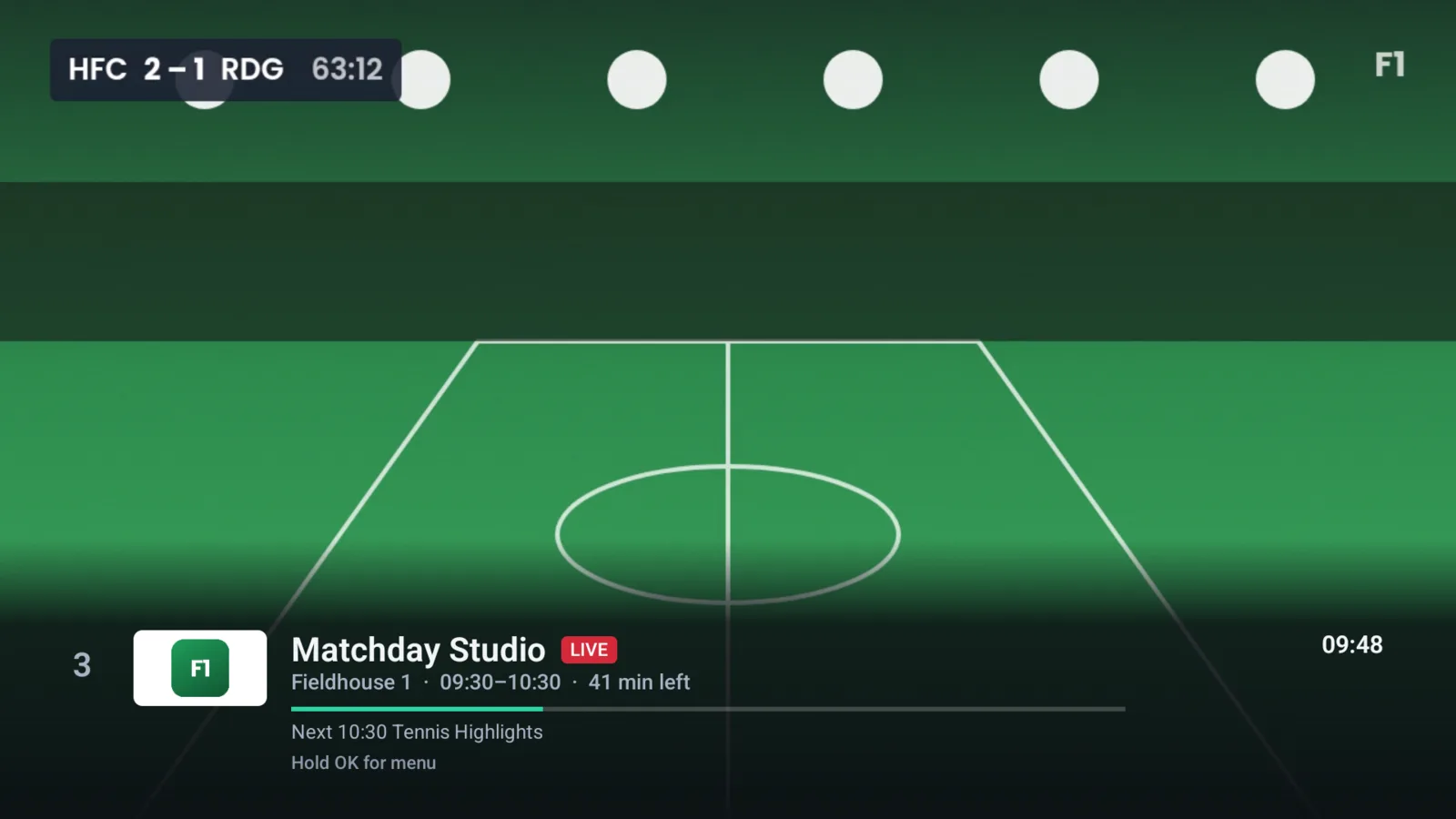
- Reconnects by itself when a stream drops, and keeps the last minutes so you can pause.
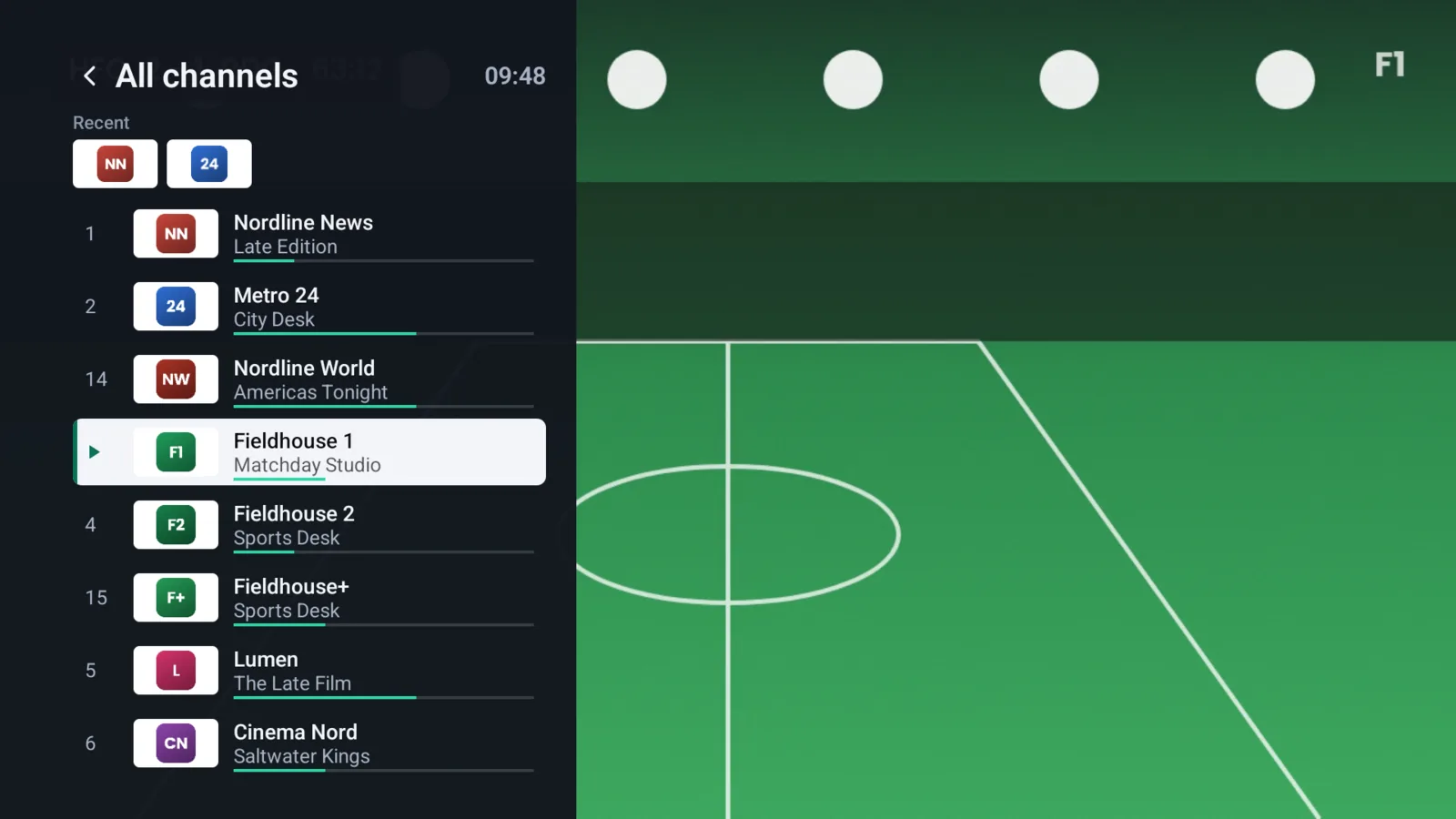
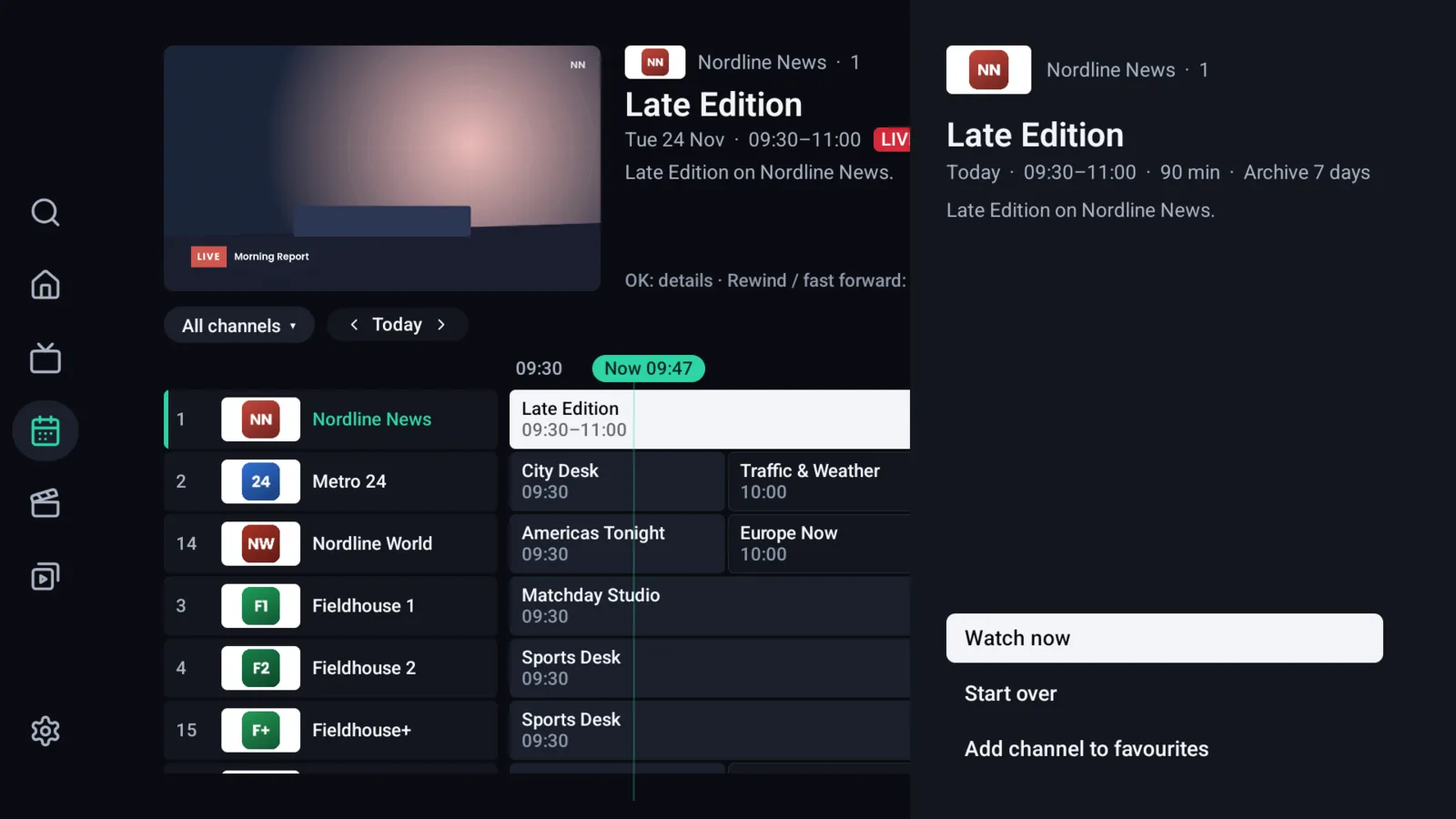
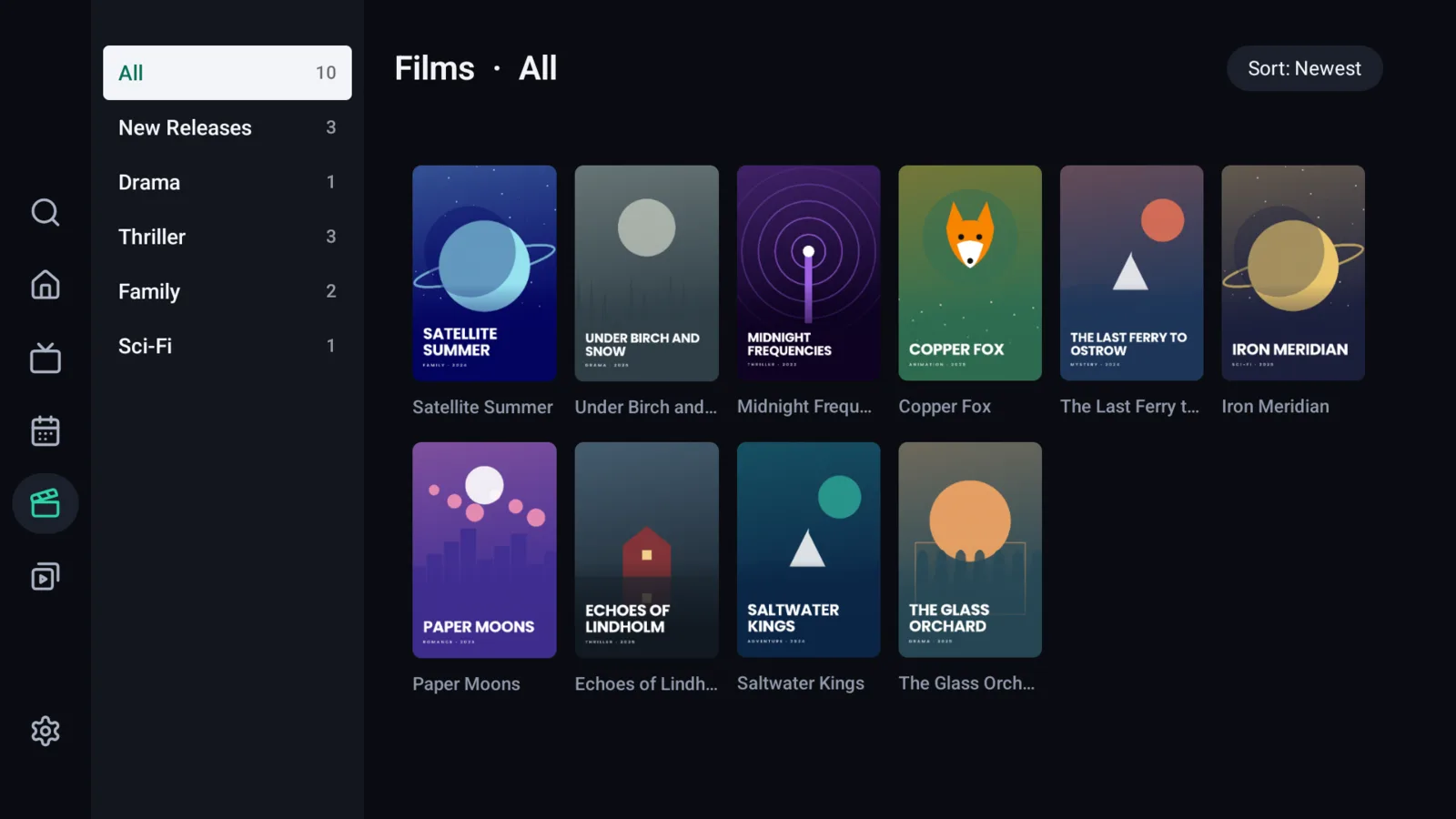
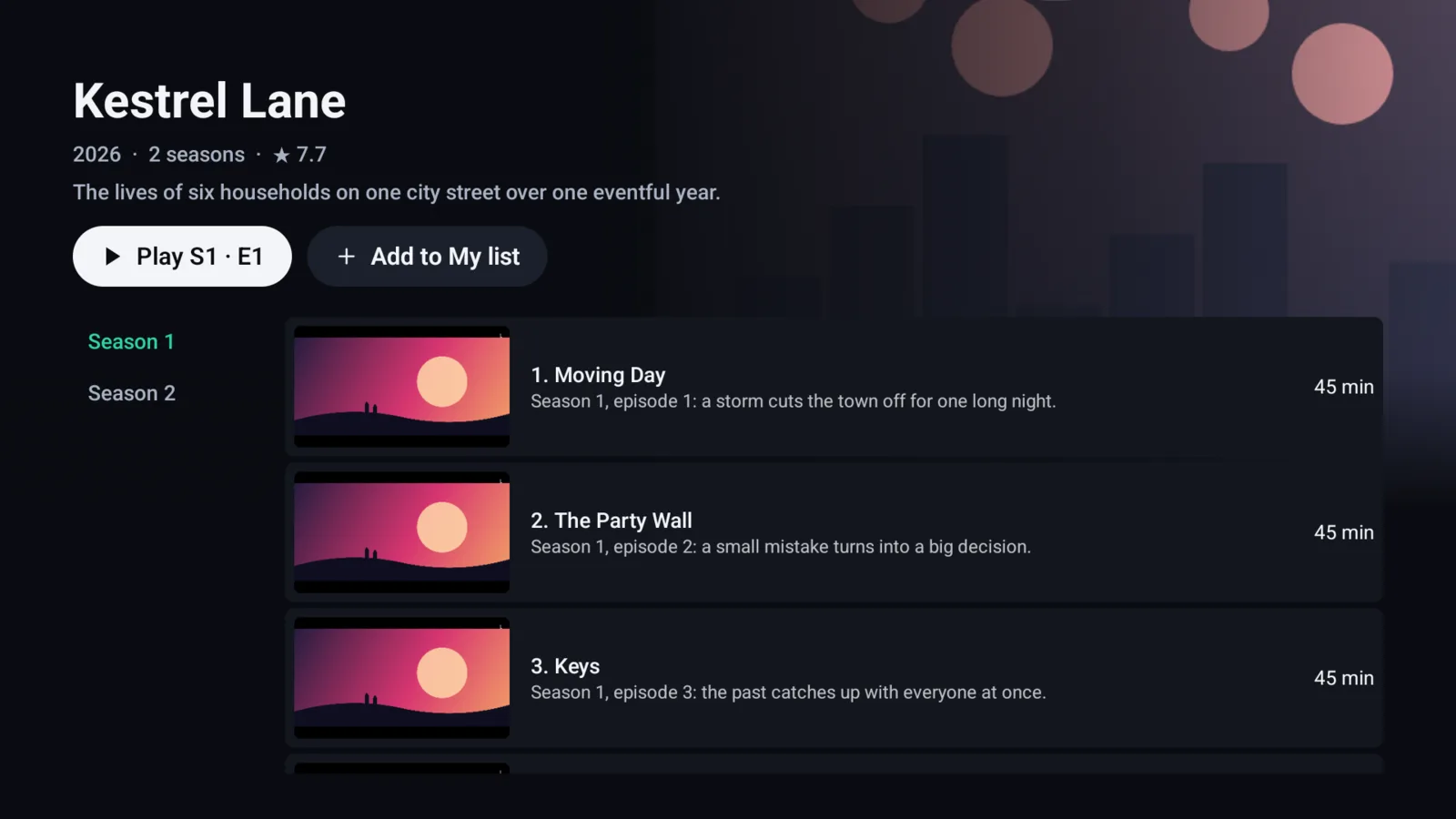
Take a look
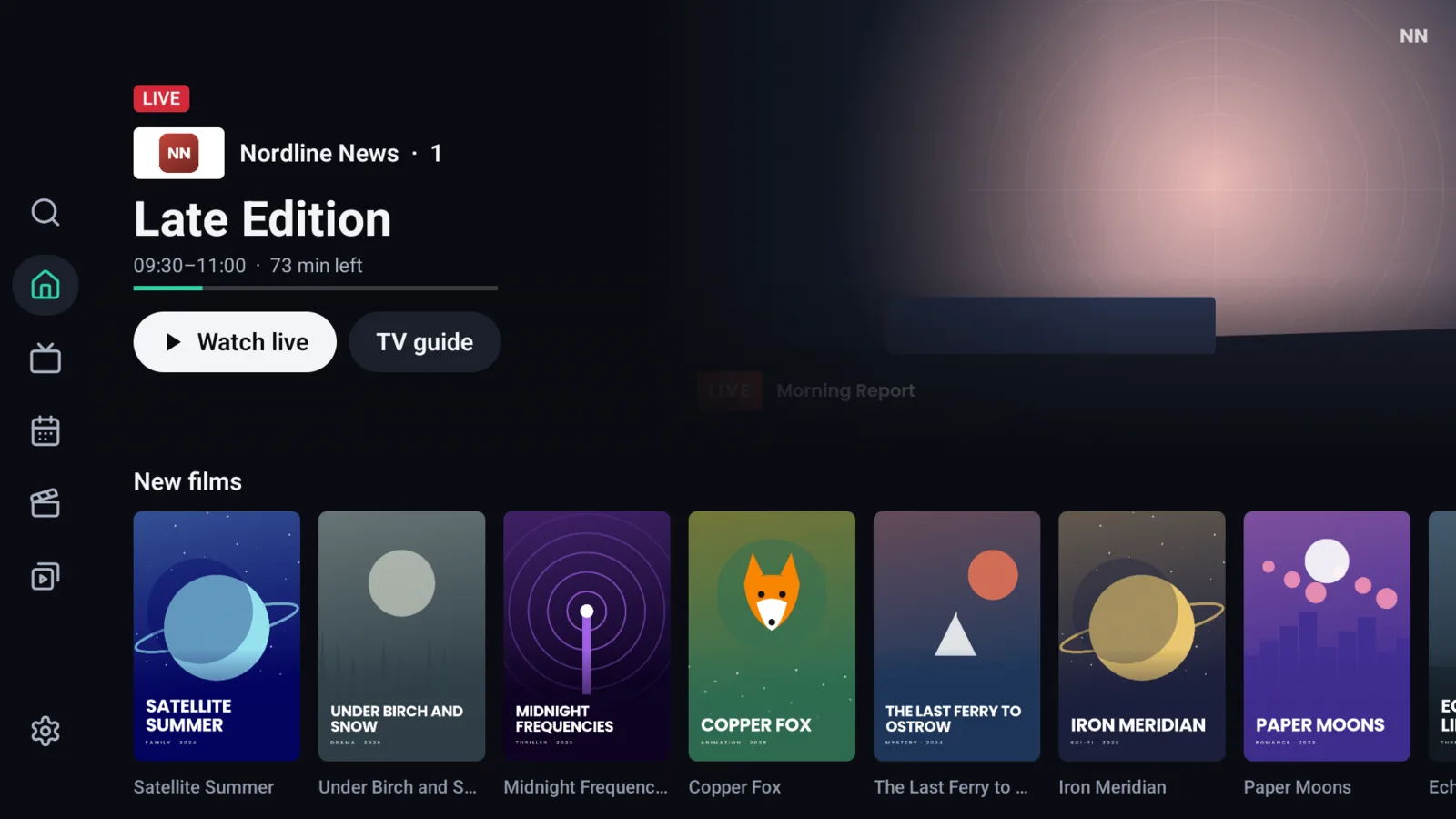
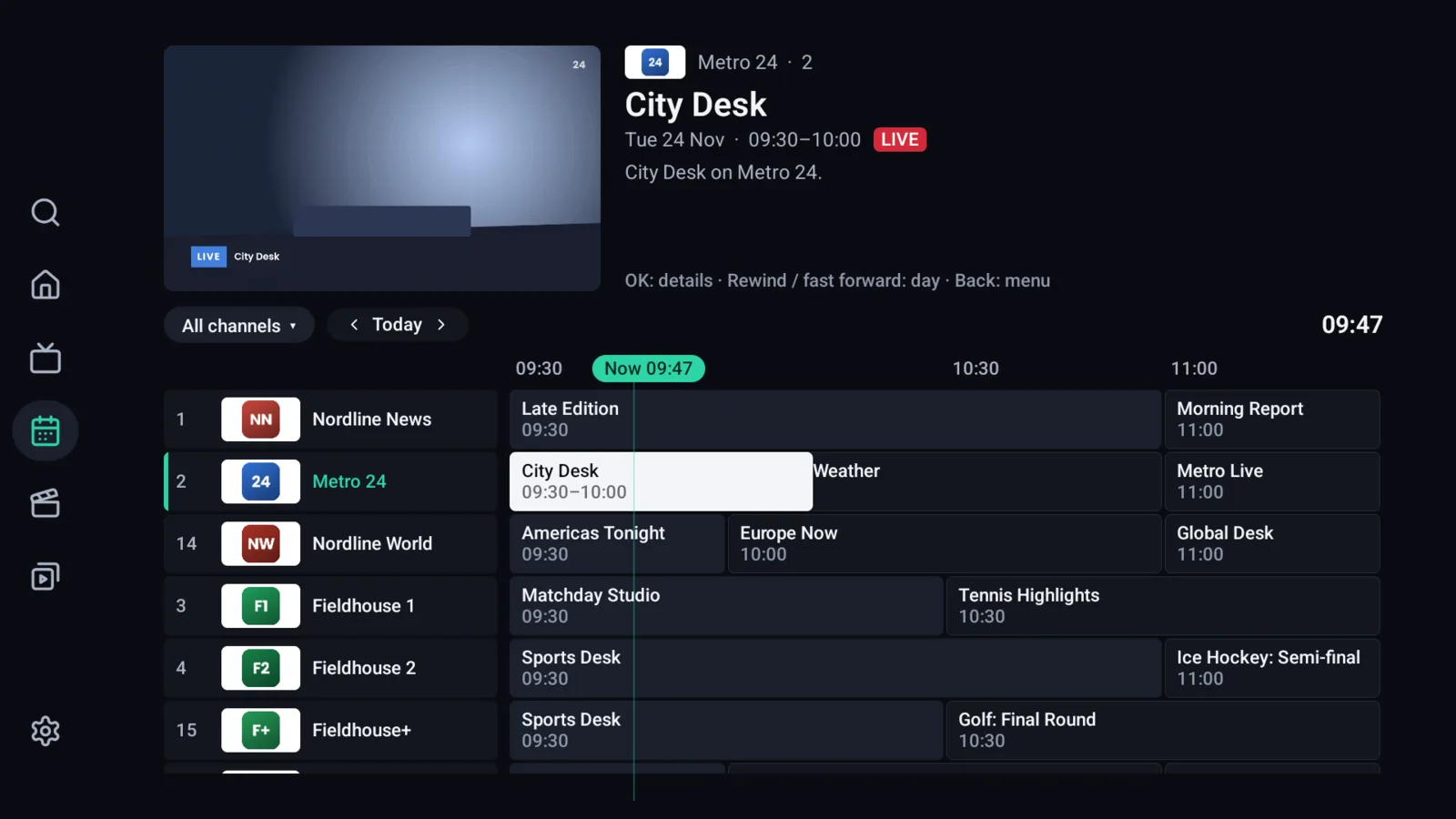
The same calm look everywhere, made to be read from the sofa.
What you will not find elsewhere
Send your playlist from your phone
Scan a code on the TV and paste the link on your phone. It travels end-to-end encrypted, so not even we can read it.
Teletext subtitles
Finds teletext subtitles automatically when the channel sends them, which most players miss.
Your playlist stays on your TV
Playlists and logins are stored on your device, never on our servers. No ads, no trackers.
Your choices last
Favourites, hidden categories and your own order stay when your provider changes the playlist.
Kids profiles that make sense
A kids profile only shows what you tick, and leaving it needs the PIN.
Every screen and setting is explained, step by step.
Open the help centre
Everything in your playlist, made for the remote
See all featuresLive TV and guide
Channel list with now and next, a full TV guide and reminders.
Catch-up and timeshift
Pause, rewind and watch earlier programmes where your provider supports it.
Films and series
Posters, seasons and episodes, continue watching, and the next episode starts on its own.
Subtitles
Including teletext subtitles from DVB channels, with your choice remembered.
Favourites and lists
Your own lists in your own order, which survive when the provider changes the playlist.
Profiles and PIN
A profile for everyone, hidden groups, and a PIN for adult groups.
Several playlists
M3U links and Xtream Codes logins, side by side.
Add from your phone
Scan a code on the TV and paste the link on your phone. No typing with the remote.
Simple pricing
Try live TV free. Premium is a yearly plan or a one-time purchase, with no monthly plan to keep track of.
Free trial
7 days
Live TV and the guide, free on every device for the first week.
Premium yearly
€12.99 per year
Everything in Tviqo, renewed once a year. Cancel any time.
Premium lifetime
Launch price
€29.99 once
Everything in Tviqo for as long as we provide it, with no renewals.
Premium includes films, series, catch-up, timeshift, more profiles and more playlists.
Up to 5 devices on one account. Prices in euro, including VAT. You can also buy in the app. No channels or playlists are included.
Questions and answers
Are channels or playlists included?
No. Tviqo is a player only and includes no channels, playlists or other content. You add your own playlist from a provider you have the right to use, and Premium only unlocks app features.
Which playlists work?
M3U and M3U8 links and Xtream Codes (server, username and password). Guides in XMLTV format load with them.
Do you store my playlist?
No. Playlists and logins stay on your device. Our servers never keep them, not even encrypted.
Which devices are supported?
Android TV, Google TV and Fire TV, from Fire OS 6 and Android 7.1, including devices with 1 GB of memory.
Can I watch on more than one TV?
Yes. Premium covers up to 5 devices on one account. How many streams can play at the same time is set by your provider.
Can I change my mind after buying?
On the web you can withdraw within 14 days from your account page and get a full refund. Purchases in Google Play follow Google's refund rules.
Guides
All guidesWhich Fire TV can run an IPTV player? Fire OS and Vega OS explained
Amazon's newest sticks run Vega OS instead of Fire OS, and most IPTV players do not run on it. How to check which one you have.
IPTV buffering: is it the player, the device, the network or the stream?
A step-by-step way to find out why live TV buffers or freezes, and what to change in each case.